
Article Summary
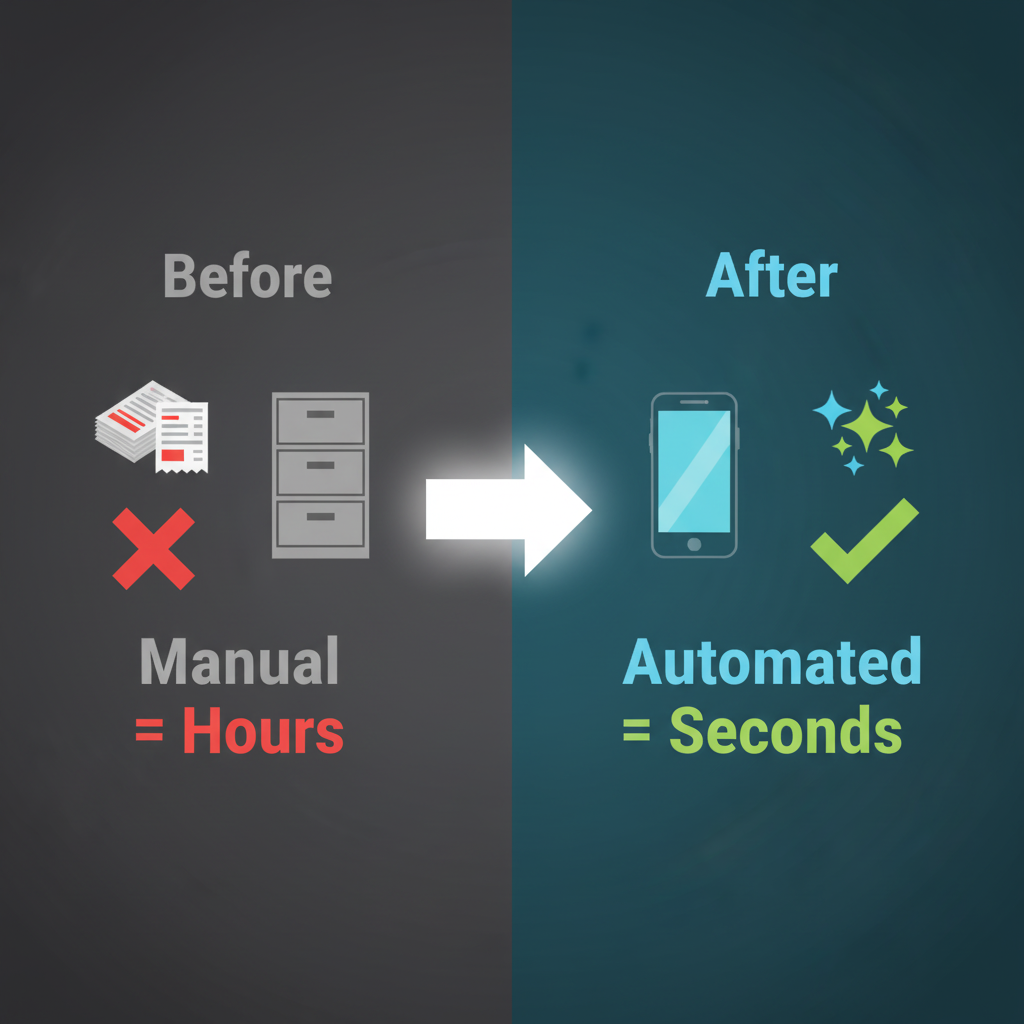
Automated receipt scanning software transforms expense management by digitizing, categorizing, and integrating receipts directly into accounting systems, reducing manual work and errors.
Key Benefits:
-
Time Savings: Scan receipts in seconds instead of minutes.
-
Accuracy: OCR and AI ensure 95–99% data precision.
-
Mobile & Cloud: Capture expenses on-the-go with instant cloud sync.
-
Automated Categorization: Real-time assignment of expense categories, tax codes, and deductions.
-
Integration: Seamlessly connects with accounting platforms and banking data.
-
Advanced Analytics: Generate custom reports for spending, vendors, taxes, and mileage.
-
Security & Compliance: Bank-level encryption, audit trails, and role-based access.
-
Scalable: Suitable for small to large businesses, improving productivity immediately.
Modern receipt scanning solutions like Finotor replace manual processes, streamline bookkeeping, and provide comprehensive financial management, helping businesses save time, reduce errors, and gain better control over finances.
Receipt Scanning Software: Automate Your Business Expense Management
Managing paper receipts and financial records doesn’t have to consume hours of your business day. Modern receipt scanning software transforms chaotic expense management into streamlined, automated processes that eliminate manual data entry and improve your bookkeeping accuracy.
What is receipt scanning software?
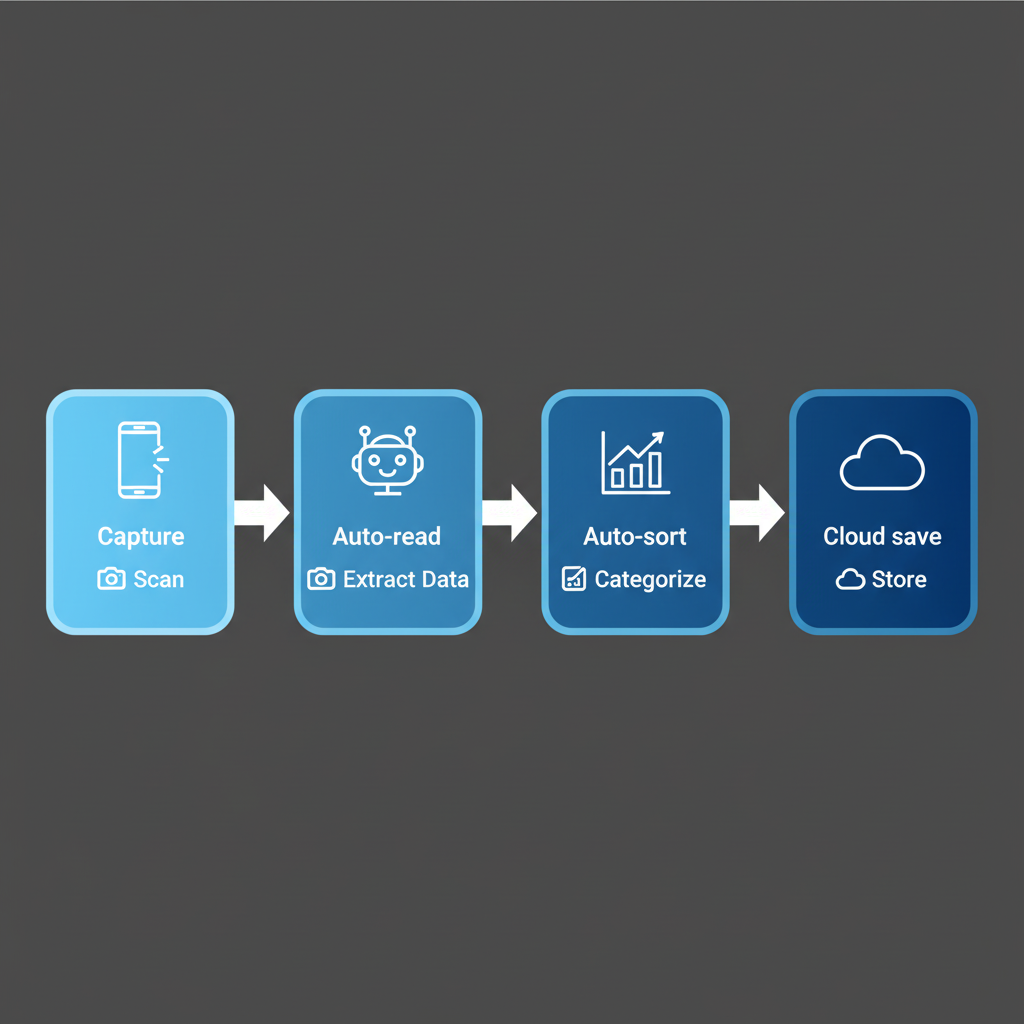
Receipt scanning software uses OCR technology (optical character recognition) and artificial intelligence to automatically capture, digitize, and organize business receipts and invoices. Instead of typing expense data into spreadsheets or losing important paper receipts in desk drawers, business owners can photograph documents with their mobile app and have all relevant financial data extracted automatically.
The technology goes beyond simple image storage. Modern solutions analyze receipt content, extract vendor information, amounts, dates, and tax details, then automatically categorize expenses according to your business rules and accounting standards. For more on the broader Finotor accounting features, see our dedicated page.
Key features that drive efficiency
Advanced data extraction capabilities
OCR technology eliminates tedious manual data entry tasks. The software recognizes text, numbers, and formatting across different receipt types, from restaurant bills to office supply invoices, ensuring accuracy rates that surpass manual input methods.
Data extraction capabilities process multiple currencies and languages, serving businesses operating internationally. Whether your receipts display euros, dollars, or yen, the system automatically converts currencies without requiring separate tools. For businesses managing invoicing, see Electronic expense reports: how can you optimise your invoicing system?
Mobile-first expense capture
Mobile apps transform any smartphone into a powerful expense tracking solution. Business travelers can capture receipts immediately after purchases, eliminating common problems of forgotten or lost documentation.
| Feature | Manual Process | Automated Solution |
| Data entry time | 5-10 minutes per receipt | 30 seconds per receipt |
| Accuracy rate | 85-90% | 95-99% |
| Storage method | Physical filing | Cloud storage |
| Search capability | Manual sorting | Instant keyword search |
Mobile app benefits
- Instant receipt capture with smartphone camera
- Offline functionality for remote locations
- Automatic GPS location tagging for mileage tracking
- Real-time expense categorization
- Immediate cloud storage synchronization
Automated expense categorization
Real-time categorization applies business rules instantly. As soon as a receipt is scanned, the software assigns appropriate expense categories, applies relevant tax codes, and flags items that might qualify for specific deductions.
Smart categorization learns from your patterns, improving accuracy over time and reducing the need for manual corrections. For complete expense tracking, see Finotor Receipt Scanner.
Integration with accounting systems
Modern scanning software integrates seamlessly with existing accounting software platforms. Banking connections automatically match scanned receipts with corresponding credit card and bank transactions, eliminating reconciliation headaches.
Streamlined bookkeeping processes
Automated bookkeeping integration ensures scanned receipts flow directly into your financial systems. This eliminates the disconnect between expense capture and financial reporting that plagues traditional manual methods.
Invoice processing extends beyond simple receipt scanning to handle supplier documentation, creating complete accounts payable workflows. For businesses seeking full freelance accounting software solutions, this integration is essential.
Accounting software compatibility
- Seamless integration with popular platforms
- Automatic transaction matching
- Real-time financial data synchronization
- Editable entries for corrections
- Automated expense reports generation
 Advanced reporting and analytics
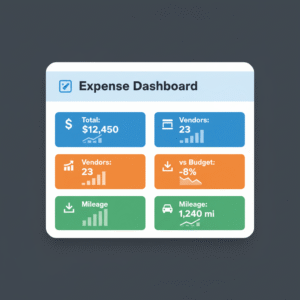
Beyond basic expense tracking, modern solutions provide comprehensive financial analytics that reveal spending patterns, vendor performance, and budget variance analysis.
Customizable reporting generates expense reports matching specific requirements, whether for internal management review, client billing, or regulatory compliance. See Finotor all-in-one accounting software for integrated reporting options.
| Report Type | Purpose | Benefits |
| Expense summaries | Budget monitoring | Real-time spending visibility |
| Vendor analysis | Cost optimization | Reduce unnecessary expenses |
| Tax reports | IRS compliance | Automated deduction tracking |
| Mileage tracking | Travel documentation | GPS-verified distances |
Financial records management
Cloud storage creates searchable digital archives of all financial documents. No more digging through filing cabinets or worrying about lost receipts during tax season.
Digital archives maintain financial records with bank-level security, often exceeding what businesses achieve with local storage solutions. For small businesses, see Sole Proprietorship Accounting Software.
Security and compliance standards
Bank-level security protects sensitive financial data through encryption, secure cloud storage, and controlled access permissions. Enterprise-grade security features safeguard business information while maintaining accessibility.
Audit trail capabilities
Comprehensive audit trails maintain detailed records of document access, supporting compliance requirements and internal control standards. These features help businesses meet IRS documentation requirements and industry-specific regulations.
Security features
- End-to-end data encryption
- Multi-factor authentication
- Role-based access controls
- Automated backup systems
- Compliance reporting tools
Moving beyond manual processes
Traditional expense management relies heavily on spreadsheets, physical filing systems, and manual data entry methods that consume valuable time and increase error rates. Manual processes create compliance risks, especially when receipts are lost or expense details are incorrectly recorded.
Receipt scanning apps address these fundamental limitations by creating automated workflows that capture expenses at purchase points, apply consistent categorization, and maintain detailed audit trails. For business owners looking for the best self-employed accounting software, this is crucial.
Common manual process challenges
- Time-consuming data entry and filing
- High error rates from manual input
- Lost or damaged paper receipts
- Difficulty tracking expenses accurately
- Delayed financial reporting
- IRS compliance documentation gaps
Implementation and scalability
Modern receipt scanner apps scale with business growth. Whether processing dozens or thousands of receipts monthly, cloud-based infrastructure handles volume increases without requiring hardware upgrades.
User permission controls allow businesses to grant appropriate access levels to different team members, from basic receipt submission to full financial reporting access. For team-based accounting solutions, see Finotor for small businesses.
Getting started process
Implementation typically requires minimal setup time, with most businesses seeing immediate productivity improvements. The shift from manual expense processing to automated workflows often pays for itself within the first few months.
| Business Size | Monthly Receipts | Time Saved | Accuracy Improvement |
| Small business | 50-200 | 10-15 hours | 15-20% |
| Medium business | 200-1000 | 25-40 hours | 20-25% |
| Large business | 1000+ | 50+ hours | 25-30% |
Setup requirements
- Mobile app installation on devices
- Cloud storage account configuration
- Accounting software integration setup
- Team member access permissions
- Initial categorization rules establishment
The complete solution advantage
While standalone receipt scanning apps focus solely on document capture, comprehensive business management platforms like Finotor integrate receipt scanning with invoicing, financial reporting, and business analytics. This all-in-one approach eliminates data silos and provides unified views of business finances. For more on the platform, visit Finotor All-in-one AI-based Accounting Software.
Comprehensive feature set
Automated expense reports generation saves hours of monthly administrative work. The platform approach means businesses work with single vendors for multiple financial functions, simplifying support, training, and system maintenance while often reducing overall software costs.
Mileage tracking integration combines with receipt capture for complete expense management. GPS verification ensures accurate distance calculations for tax deduction purposes. For mileage and expense tracking solutions, Finotor provides full coverage.
Platform benefits
- Unified financial data management
- Reduced software complexity
- Streamlined support processes
- Comprehensive expense tracking
- Automated compliance reporting
Ready to eliminate the chaos of manual receipt management? Finotor’s comprehensive business platform combines advanced receipt scanning with complete financial management capabilities, giving you the tools to streamline operations and gain better control over your business finances. Explore how automated expense management can transform your business operations today.